
Lab Intake Setup
Use supported case types and existing RX forms to turn recurring intake expectations into practice-facing checks before the queue fills up.

A prosthodontics survey found 92% of dentists left partial denture design to technicians. (source)
The same survey found 43% of dentists did not include design drawings. (source)
In the same study, 45% of fixed cases had no shade selection recorded. (source)
Make Standards Visible
Supported case types and uploaded RX forms turn recurring lab expectations into a repeatable standard practices can actually follow.
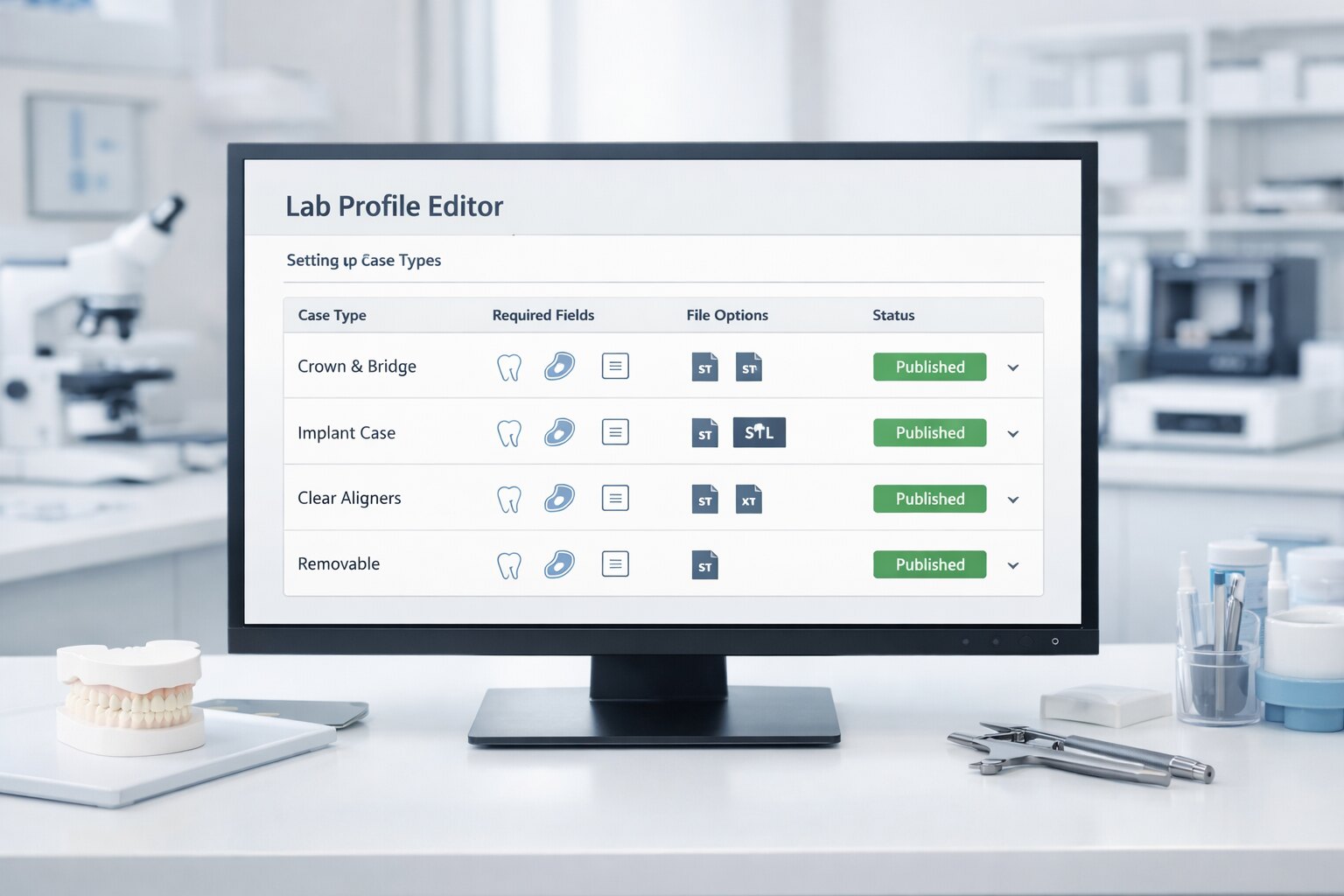
Case Types Stay Distinct
Each case type can carry its own required fields, required files, and decision points instead of sharing one generic template.
Profiles Drive PreCheck
LabPreCheck uses AI behind the scenes so the practice sees a clearer submission path and PreCheck can warn or block on the right issues without the lab building a giant editor.
Why Intake Setup Matters
A clearer intake setup makes the lab standard visible before the submission reaches the queue.
Lab intake setup matters because the queue only improves when practices see the standard early enough to act on it. A clearer setup turns what the lab wants into something the practice can use before the handoff happens.
That includes the details labs repeatedly chase for: tooth and material choices, shade support, implant system context, scan body references, appliance details, and the supporting evidence that makes the case startable.
That shift moves the work from reactive clarification into proactive preparation. It is one reason many lab partners start with Book Demo.
How Intake Setup Works
Labs turn their expectations into a working practice-facing standard without rebuilding everything by hand.
The RX setup surface gives the lab a way to describe what “complete” means for each type of case it wants to receive without forcing the lab to hand-build a giant form editor. That does not mean every setup must be complex. It means every supported case type should be specific enough to reduce the guesswork that usually shows up in the queue later.
Once saved, LabPreCheck uses AI behind the scenes to interpret the uploaded forms, preserve the important intake language, and give the practice a simpler submission experience with clearer checks for missing details, missing files, conflicting information, and the WARN or BLOCK states that follow.
Choose the case types the lab actually supports.
Upload the RX forms and notes that already explain how the lab wants those cases to arrive.
Turn that into required fields, conditionally required details, required evidence slots, and clearer issue checks for each case type.
For example, a fixed case can require tooth, material, and shade support while an implant case can require site, system, connection, size, retention, and scan body context.
What Intake Setup Changes
Requirement profiles improve both the practice experience and the lab queue later on.
When RX setup is handled well, practices prepare better submissions and labs review better submissions. The setup becomes the missing bridge between what the lab wants and what the practice can realistically do before sending.
That means fewer cases arriving without key tooth, shade, implant, appliance, or supporting-file context and fewer cases entering the queue with preventable contradictions.
It also means the profile is doing real work: guiding the practice, shaping the checklist, and driving the pre-send WARN and BLOCK decisions. That is why working from existing RX forms is one of the most important lab-facing foundations in LabPreCheck. The next route to review is usually For Labs.